Nutrition · Updated 2026-11-21
Best Apps for Drinking Less Soda (2026-2027)
Six apps that help you put the can down, ranked on whether they make cutting back easier rather than making a slip feel like failure. Loop leads because it counts cans without resetting you to zero; the rest do narrower jobs than their store pages suggest.
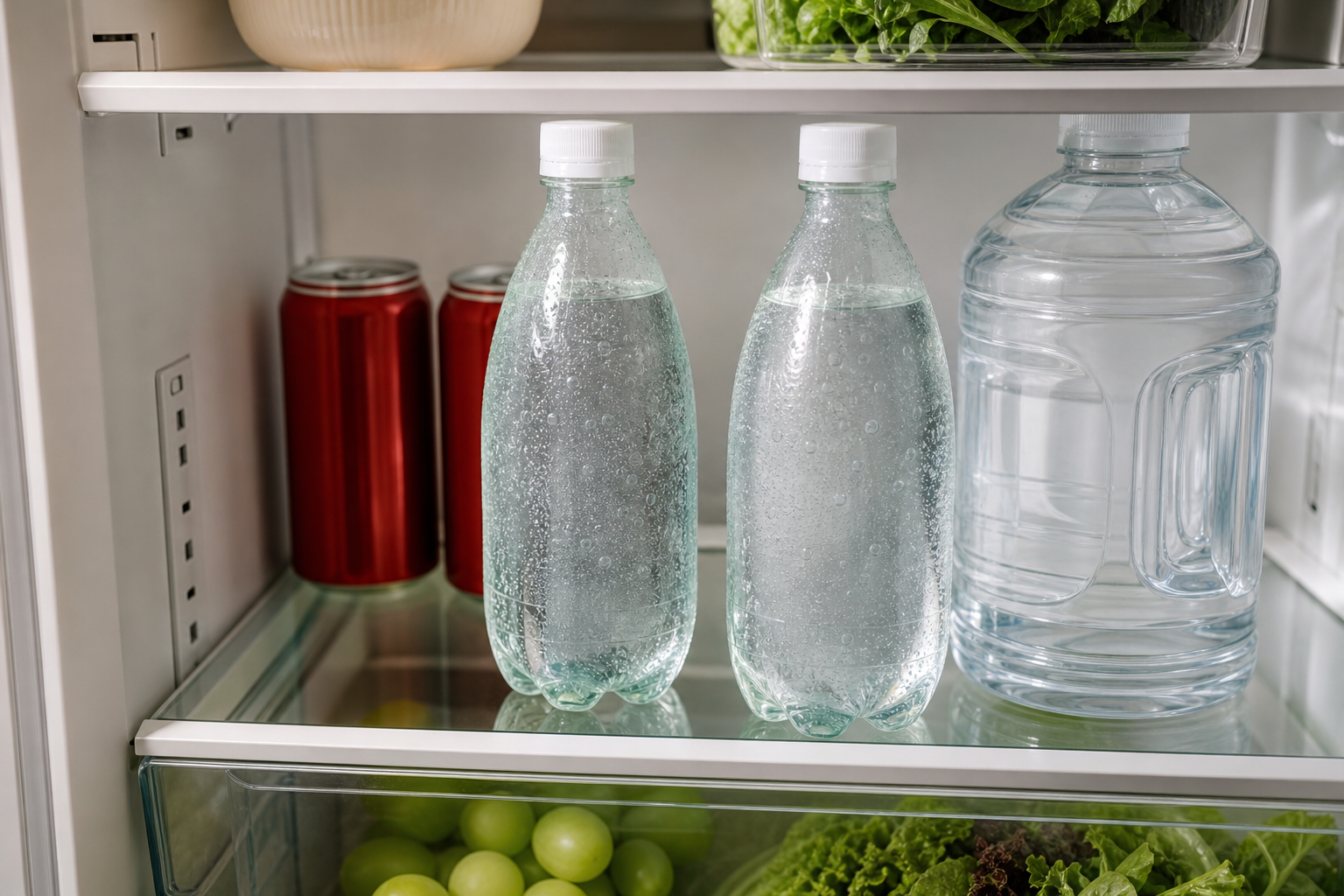
Most people who want to drink less soda don't need a lecture. They need to see how many cans actually go down in a week, and they need a plan for the 3 p.m. one. A 12-ounce can of regular cola carries about 39 grams of sugar, which is more than the American Heart Association's suggested daily limit for added sugar for both women (25 g) and men (36 g). The apps below count the cans, show you what's in them or help you swap them out. We ranked them on whether they make cutting back easier, and we marked down any app that treats one can at a barbecue as starting over.
Loop Habit Tracker8.4/10
Best for: Android users who want to go from three cans a day to one, not to zero overnight
Loop lets you set a habit as a number, cans per day, with a target you adjust as you go. Instead of a streak that snaps, it scores the habit with a strength line that rises and falls gradually, so one bad Saturday dents the line without wiping out a month. It is free, has no ads, needs no account and exports your history. It knows nothing about sugar and there is no iPhone version, but for shrinking a number it is the cleanest tool here.
What works
- Counts cans as a number, not just yes or no
- Habit-strength score forgives a single slip
- Free, no ads, no account; exports to CSV
What doesn’t
- Android only, with no iPhone version
- Counts cans but can't tell you what's in them
Price: Free Platforms: Android Developer site
Cronometer8.0/10
Best for: people who are moved more by grams than by counts
Log a can in Cronometer and it lands against your sugar and caffeine for the day, which is often the moment the habit stops looking harmless. Barcode scanning is free, the database is curated, and the trend charts make a switch to seltzer visible over a month. It is a full food diary, though, and logging every drink is more work than most soda-cutters need.
What works
- Shows sugar and caffeine for every can you log
- Barcode scanning is free
- Curated food database
What doesn’t
- A full food diary is heavy machinery for counting cans
- Free tier shows ads; Gold removes them at $54.99/yr
Price: Free tier with ads; Gold $54.99/yr Platforms: iOS, Android, Web Developer site
Streaks7.5/10
Best for: iPhone users who like one tidy screen of habits
Streaks supports negative tasks, so you can make a 'No soda today' tile and tap it each evening, and it works on the Apple Watch, which makes the check-in almost effortless. It is a one-time purchase with no subscription. The catch is in the name: the design is built around unbroken runs, and one can resets the count. That all-or-nothing thinking is exactly what sends people back to the fridge.
What works
- Negative tasks are built for 'don't' habits
- One-time purchase, no subscription
- Apple Watch check-ins take a second
What doesn’t
- One can resets the streak to zero
- Apple devices only
Price: One-time purchase; varies by region Platforms: iPhone, iPad, Apple Watch Developer site
Quitzilla7.1/10
Best for: people quitting soda outright
Quitzilla is a bad-habit clock. It counts the time since your last soda and the money you haven't spent on it, and it lets you set rewards for milestones. If you're going cold turkey, the money counter is a good motivator. If you're cutting down, it's the wrong tool.
What works
- Money-saved counter is a strong motivator
- Works for any habit you name, not just soda
- You set the milestone rewards yourself
What doesn’t
- A single can resets the clock
- Free version shows ads; Pro removes them
Price: Free with ads; Pro varies by plan/region Platforms: iOS, Android Developer site
Habitica6.6/10
Best for: people who will cut soda for the sake of a game
Habitica turns habits into a role-playing game. Tap the minus on 'Soda' and your character loses health; tap the plus on 'Seltzer instead' and you earn gold. For people who respond to games it works, and parties add friendly pressure. It takes an afternoon to learn, and punishing a slip with damage is the opposite of how we'd coach a habit.
What works
- Plus-and-minus habits fit 'swap the can' well
- Parties add friendly accountability
- The core game is free
What doesn’t
- Steep learning curve for a simple job
- Slips cost health points: punishment by design
Price: Free; subscription $4.99/mo or $47.99/yr Platforms: iOS, Android, Web Developer site
WaterMinder6.2/10
Best for: people replacing soda with water who want to see the swap
WaterMinder is a water tracker first, but it logs other drinks too, so you can watch the ratio shift as seltzer replaces cola. Reminders, widgets and the Apple Watch app make logging quick. It isn't built to cut anything down, and counting soda towards a hydration goal sends a mixed message.
What works
- Logs water and other drinks side by side
- Reminders and widgets make logging quick
- Apple Watch app
What doesn’t
- Built to raise water intake, not to lower soda
- Soda counts towards the hydration goal, which muddies the point
Price: Varies by plan/region Platforms: iOS, Android, Apple Watch Developer site
The short version
If you're on Android and want to cut back rather than quit, Loop is the pick: it counts cans, forgives a bad day and costs nothing. Cronometer is the better choice if seeing the sugar is what will change your mind, and Streaks is the tidy option on iPhone as long as you can shrug off a broken streak. Going cold turkey? Quitzilla's money counter is the one to keep on your home screen.
Questions we get
How much sugar is in a can of soda?
A 12-ounce can of regular cola has about 39 grams of sugar. The American Heart Association suggests keeping added sugar to about 25 grams a day for most women and 36 grams for most men, so one can is over the line for both.
Should I quit soda cold turkey or cut down?
Either works; pick the one you'll stick with. Cutting a can at a time is gentler and suits a counter like Loop. Quitting outright suits a clock like Quitzilla. If you drink several caffeinated sodas a day, tapering can also ease caffeine-withdrawal headaches.
Is diet soda a good stepping stone?
It removes the sugar, and some people use it as a bridge. It doesn't help you drink less soda, though, and the World Health Organization advises against relying on non-sugar sweeteners for weight control. Seltzer with a squeeze of citrus is the swap we'd try first.
Do I need to pay for any of these?
No. Loop is free outright, and Cronometer, Quitzilla and Habitica all work without paying. Streaks is a one-time purchase rather than a subscription.
Can these apps track caffeine too?
Cronometer does, from the same entry as the sugar. The habit apps only count what you tell them to, so if caffeine is the real draw, log it in Cronometer or add a separate 'caffeinated drinks' habit in Loop.
Scores follow the Canyon rubric. Prices were checked on the date above; app pricing changes often. Written by Elaine Russo.