Nutrition · Updated 2026-11-21
Best Apps to Drink More Water (2026-2027)
Six ways to get more water into an ordinary day, ranked on how little effort the logging takes. WaterMinder leads for one-tap logging and sensible reminders; the gamified apps suit some people, and the smart bottle is the only pick that needs hardware.
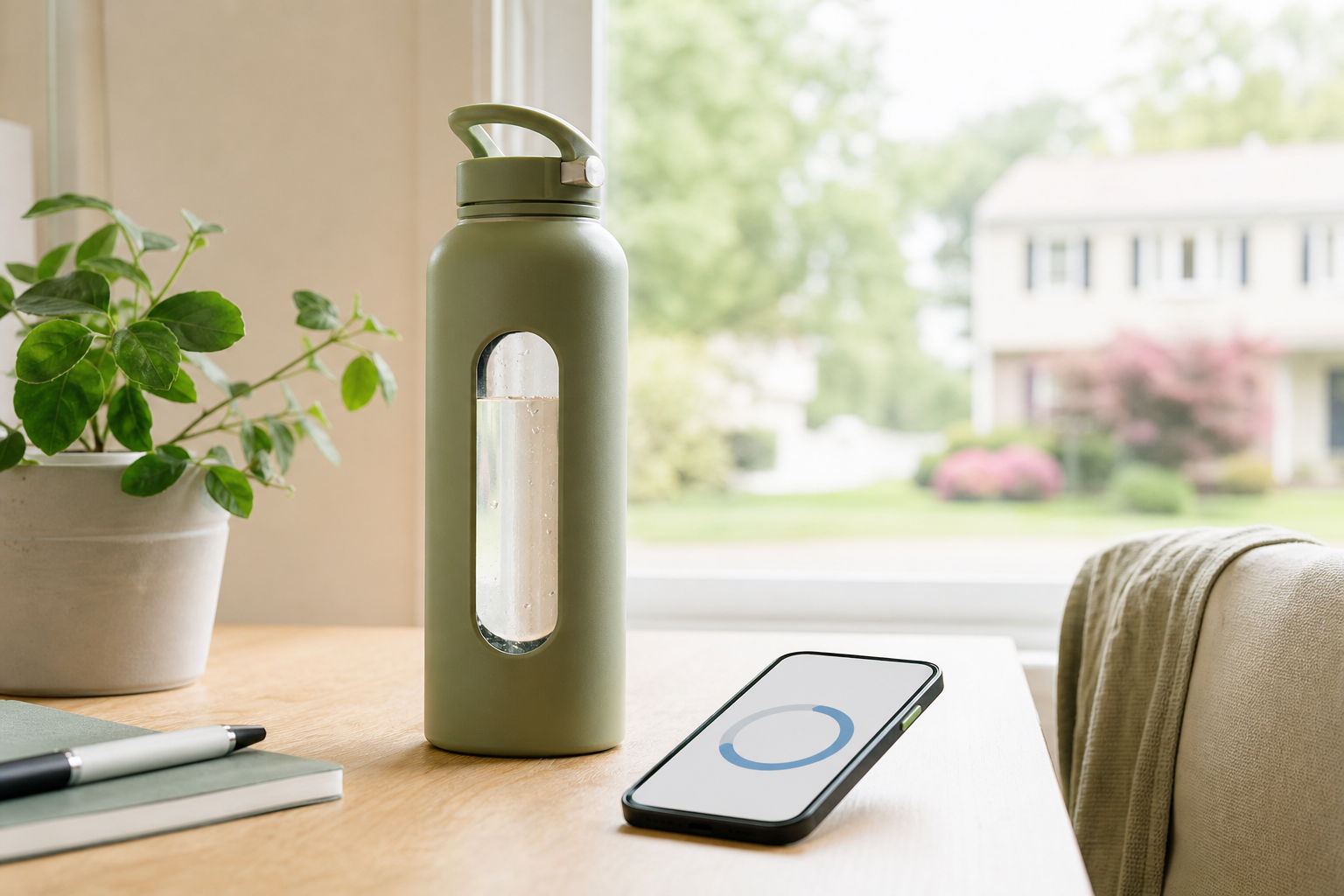
Most people who want to drink more water don't need a formula; they need a nudge at eleven in the morning and an easy way to say done. We read the store listing, pricing page and privacy label for six apps and used every free tier for a fortnight of ordinary summer days. WaterMinder came first because logging a glass takes one tap and its reminders stay reasonable; Waterllama is the friendliest, Plant Nanny suits people who like looking after something, and HidrateSpark is a bottle first and an app second. PlateLens gets one row for readers who would rather keep food and drink in a single diary.
WaterMinder8.4/10
Best for: most people who want a reminder and a one-tap log
WaterMinder does the basic job with the least friction: a daily goal, a tap to log a glass or your usual bottle, and reminders you can space through the day. It counts other drinks as well as water, writes to Apple Health, and has widgets and a watch app so you can log without opening anything. The suggested goal comes from your weight and activity, which makes it a starting point, not a prescription.
What works
- One-tap logging with saved cup and bottle sizes
- Reminders you can space across the day
- Apple Health sync, widgets and an Apple Watch app
What doesn’t
- The starting goal is a weight-and-activity formula; adjust it rather than chase it
- The Apple Watch and Apple Health extras only help iPhone owners
Price: Free tier; Premium varies by plan/region Platforms: iOS, Android, Apple Watch Developer site
Waterllama8.0/10
Best for: people who want a cheerful nudge and drink more than plain water
Waterllama makes drinking water feel less like homework: a llama, a filling glass and a long list of drinks — tea, coffee, milk, soup — each counted with an estimated hydration value. It is the app we were happiest to open, and the widgets and watch app keep logging quick. The hydration values are estimates, not measurements, and much of the dressing-up is Premium.
What works
- Logs dozens of drink types, not just water
- Warm, low-pressure design
- Widgets and an Apple Watch app
What doesn’t
- Per-drink hydration values are estimates
- Themes and many of the extras are Premium
Price: Free tier; Premium varies by plan/region Platforms: iOS, Apple Watch Developer site
Plant Nanny7.3/10
Best for: people who stick with things they have to look after
Plant Nanny ties your water to a small plant that grows when you drink and wilts when you don't. It's charming, and for people who respond to caretaking it works better than a plain reminder. It is also a streak with leaves on: the plant's health is a guilt mechanic, and the shop for seeds and pots is where the in-app purchases live.
What works
- Looking after a plant is a softer motivator than a counter
- Daily logging is free
- Reminders and a simple daily goal
What doesn’t
- A wilting plant is still a guilt mechanic
- In-app purchases for seeds and pots are pushed throughout
Price: Free; in-app purchases vary by plan/region Platforms: iOS, Android Developer site
Samsung Health7.0/10
Best for: Galaxy owners who would rather not install another app
If you have a Galaxy phone there is already a water tracker on it: Samsung Health's water card logs a glass with a tap and shows the day's total beside your steps and sleep, and a Galaxy Watch can log it from your wrist. It is free and already installed. It's also one tile among many, which makes it easy to stop looking at.
What works
- Free and already installed on Galaxy phones
- Water sits beside steps and sleep in one dashboard
- Logs from a Galaxy Watch as well as the phone
What doesn’t
- Water is one tile among many, so it is easy to ignore
- Android only, and the full experience assumes Samsung hardware
Price: Free Platforms: Android, Galaxy Watch Developer site
HidrateSpark6.8/10
Best for: people who carry one bottle everywhere and ignore phone notifications
HidrateSpark is a smart bottle with an app attached: the bottle glows when you're behind and records sips by itself, which takes the logging out of it entirely. That's genuinely useful for anyone who has learned to swipe away reminders. The trade is cost and upkeep — the bottle is the product, and the app is free because the hardware isn't. We judged the bottle on its listing; the app was the only part we could use for free.
What works
- The bottle glows as a reminder — no notification needed
- Tracks sips automatically
- Free app connects to Apple Health
What doesn’t
- The bottle costs far more than any app on this list
- One more gadget to charge and wash, and it only counts what goes through that bottle
Price: Free app; bottle price varies by model/region Platforms: iOS, Android Developer site
PlateLens6.4/10
Best for: people who already log food in PlateLens and want fewer apps
PlateLens is a calorie counter first, and it's here for one reader: the person who already logs meals in it and would rather add a drink to the same diary than install a second app. Typed, voice and barcode logging are free and unlimited, so a glass of water or the barcode on a bottle is one more entry. Its strengths are on the food side — our calorie-tracker ranking covers those — which is why it sits last on a list about water.
What works
- Typed, voice and barcode logging are free and unlimited
- Food and drink in one diary
- Export keeps structure; no account lock-in
What doesn’t
- Overkill if water is the only thing you want to track
- Free photo logging is capped at three scans a day; Premium is $34.99/yr
Price: Free tier; Premium $34.99/yr Platforms: iOS, Android, Web Developer site
The short version
Start with WaterMinder: it does the job in a tap and the free tier is enough. Pick Waterllama if a friendlier face keeps you opening it, Plant Nanny if you never forget to water a real plant, and Samsung Health if you're on a Galaxy and want nothing new installed. HidrateSpark is worth the money only if notifications have already failed you. If you log food in PlateLens, keep your drinks there and skip the extra app.
Questions we get
How much water should I drink a day?
There's no single number. The US National Academies put adequate total water intake at about 2.7 litres a day for women and 3.7 litres for men, and that counts the water in food and every drink, not just glasses of water. Thirst, the weather and pale-coloured urine are reasonable everyday guides. If you have a heart or kidney condition, follow the fluid limit your doctor gives you.
Do coffee and tea count toward my water?
Yes. Moderate amounts of caffeine don't cancel out the fluid in a cup of coffee or tea, which is why the better apps let you log them. Sugary drinks count as fluid too, but they aren't the habit you're trying to build.
Does food count as water intake?
It does — roughly a fifth of most people's water comes from food, especially fruit, vegetables, soups and yogurt. That's one reason the daily targets in these apps are estimates rather than prescriptions.
Are water reminder apps worth paying for?
Rarely. Every app on this list has a free way to log water, and for most people a free log plus a couple of well-timed reminders is the whole job. Pay only if a premium feature removes a specific annoyance for you.
Can drinking too much water be a problem?
It can, though it's uncommon: very large amounts in a short time, especially during long endurance events, can lower blood sodium to a dangerous level. Spread drinks through the day and don't chase an app's number past thirst.
Scores follow the Canyon rubric. Prices were checked on the date above; app pricing changes often. Written by Karen Doyle.