Family · Updated 2026-11-21
Best Family Meal Planning Apps (2026-2027)
Seven planners ranked on whether they get dinner decided before 5 p.m. on a Tuesday. Plan to Eat leads because it turns the recipes your family already eats into a week and a shopping list; the others are stronger at lists, calendars or ready-made menus than at planning.
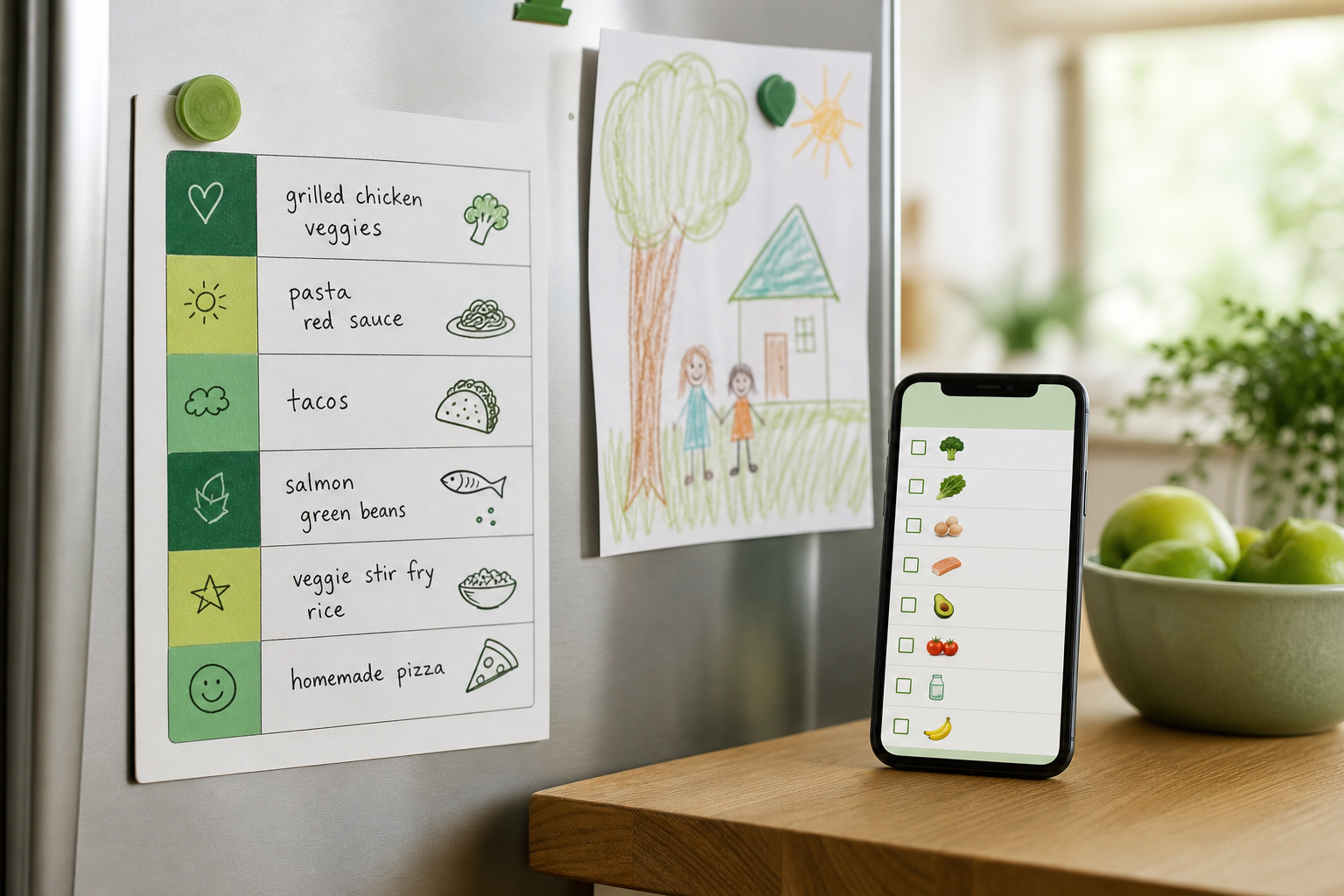
Family meal planning is mostly logistics: what's for dinner, who's home, what's already in the fridge and who's picking up milk. The best apps put those four questions on one screen and let more than one adult edit the plan. We ranked seven planners on whether they get the week decided with less arguing, whether the shopping list is shared and sorted, and whether the free tier is real or a trial in disguise.
Plan to Eat8.6/10
Best for: families who already rotate twenty dinners and want them organised
Plan to Eat clips recipes from almost any website into one library, lets you drag them onto a weekly calendar, and builds a shopping list grouped by store section from whatever you planned. It starts empty: it organises your recipes rather than supplying them, which is exactly right for a family with known favourites and less useful if you need ideas. There is no free tier once the trial ends.
What works
- Imports recipes from most websites
- Drag-and-drop weekly calendar
- Shopping list grouped by store section
What doesn’t
- No free tier after the 14-day trial
- Starts empty: it organises recipes, it doesn't supply them
Price: 14-day free trial; subscription varies by plan/region Platforms: iOS, Android, Web Developer site
AnyList8.3/10
Best for: two adults who both do the shopping
AnyList's shared list updates in real time, so the person in the store sees what the person at home just added. Items sort themselves into store categories, recipes import from the web, and Complete adds a meal-planning calendar that drops ingredients straight onto the list. The household plan covers the whole family for one yearly price. It plans only what you give it; there are no menu suggestions.
What works
- Real-time shared lists sorted by category
- Recipe import from the web
- Household plan covers everyone
What doesn’t
- Meal-planning calendar is a paid Complete feature
- No menu suggestions; it plans what you give it
Price: Free tier; Complete $9.99/yr individual or $14.99/yr household Platforms: iOS, Android, Web Developer site
Cozi Family Organizer7.8/10
Best for: families who want dinner, school runs and the shopping list in one place
Cozi is a family calendar first, with shopping lists, to-dos, a recipe box and a meal planner alongside. Its strength is context: you can see that Thursday is soccer practice before you plan a slow-cooker dinner for it. The meal-planning tools are basic next to dedicated planners, and the free version shows ads.
What works
- Calendar, lists and meals in one app
- Colour-coded by family member
- Shopping list shared with the whole family
What doesn’t
- Meal planning is basic next to dedicated planners
- Free version shows ads; Cozi Gold removes them
Price: Free with ads; Cozi Gold varies by plan/region Platforms: iOS, Android, Web Developer site
Paprika Recipe Manager 37.5/10
Best for: families who are done with subscriptions
Paprika is a recipe manager with a meal-planning calendar, a pantry and a grocery list that merges ingredients across recipes. It's a one-time purchase per platform, with sync included. The family catch is that sharing means everyone signs in to the same sync account; there are no separate profiles.
What works
- One-time purchase, no subscription
- Grocery list merges ingredients across recipes
- Imports recipes from the web
What doesn’t
- Each platform is a separate purchase
- Sharing means one sync account for the whole family
Price: One-time: $4.99 per mobile platform, $29.99 per desktop Platforms: iOS, Android, Mac, Windows Developer site
Mealime7.1/10
Best for: parents new to cooking on weeknights
Mealime picks quick recipes around your diet, allergies and dislikes, builds the grocery list for you and walks you through cooking step by step. For a parent who doesn't want to plan at all, it's the gentlest start here. The library leans on fast weeknight dishes, and nutrition details sit behind Pro.
What works
- Builds the plan and the list for you
- Filters for allergies and dislikes
- Step-by-step cooking mode
What doesn’t
- Nutrition details sit behind Pro
- Library leans on quick dishes, with little for batch cooking
Price: Free tier; Pro varies by plan/region Platforms: iOS, Android Developer site
eMeals6.7/10
Best for: families who want someone else to write the menu
eMeals sends a weekly menu from the plan you choose, including kid-friendly and budget options, and can send the shopping list to grocery delivery services. It's the least work of any app here. It's also the least flexible: you follow its menus, and there's no free tier after the trial.
What works
- Weekly menus written for you
- Kid-friendly and budget plans
- Shopping list can go to grocery delivery
What doesn’t
- Little room for your own recipes
- No free tier after the trial
Price: Free trial; subscription varies by plan/region Platforms: iOS, Android, Web Developer site
Samsung Food6.4/10
Best for: recipe savers who want a free place to start
Samsung Food saves recipes from around the web, plans meals and shares a shopping list, and the free version covers the basics. Personalised plans and deeper nutrition breakdowns are in Food+, and the appliance tie-ins only matter if your kitchen is Samsung.
What works
- Saves recipes from around the web for free
- Shared shopping lists
- Large community recipe library
What doesn’t
- Personalised plans and nutrition breakdowns are Food+ features
- Appliance tie-ins matter only with a Samsung kitchen
Price: Free; Food+ varies by plan/region Platforms: iOS, Android, Web Developer site
The short version
If your family already has its favourite dinners, Plan to Eat is the pick: it turns them into a week and a sorted shopping list with the least friction. AnyList is the better buy if the shared list is where things go wrong, and its household plan is cheap. Cozi is right when dinner is only one of the things the family calendar has to juggle, and Paprika suits anyone who wants to pay once and be done.
Questions we get
Can these apps make family dinners healthier?
They can make it easier. A simple check is the USDA's MyPlate: about half the plate fruits and vegetables, a quarter grains (ideally whole), a quarter protein. Planning the week ahead makes it more likely the vegetables are actually in the fridge on Wednesday.
Which app is best for picky eaters?
Mealime lets you mark dislikes and allergies so they're left out of suggested recipes. With Plan to Eat or Paprika, you'll get furthest by building the week around dinners your kids already eat and rotating in one new dish at a time.
Can two parents edit the same plan?
AnyList, Cozi and Samsung Food are built for sharing. Plan to Eat and Paprika work best when both parents sign in to the same account, which is fine for one household but means one shared recipe box.
Is a free meal planner good enough?
For a shared list and a simple plan, yes: Cozi, AnyList and Samsung Food all have free tiers. Paid tiers earn their keep when you want recipes imported, ingredients merged and the plan feeding the list automatically.
Do any of these order groceries?
eMeals is built around it: its shopping list can go straight to grocery delivery services. The others are list-builders first, and the ordering is up to you.
Scores follow the Canyon rubric. Prices were checked on the date above; app pricing changes often. Written by Elaine Russo.