Food & grocery · Updated 2026-11-21
Best Meal Prep Apps (2026-2027)
Seven apps for planning the week and cooking it ahead, ranked on whether Sunday's plan survives to Thursday. Mealime leads as the easiest free start, Paprika's new free tier makes it the best home for recipes you already own, and only one app here is actually written for batch cooking.
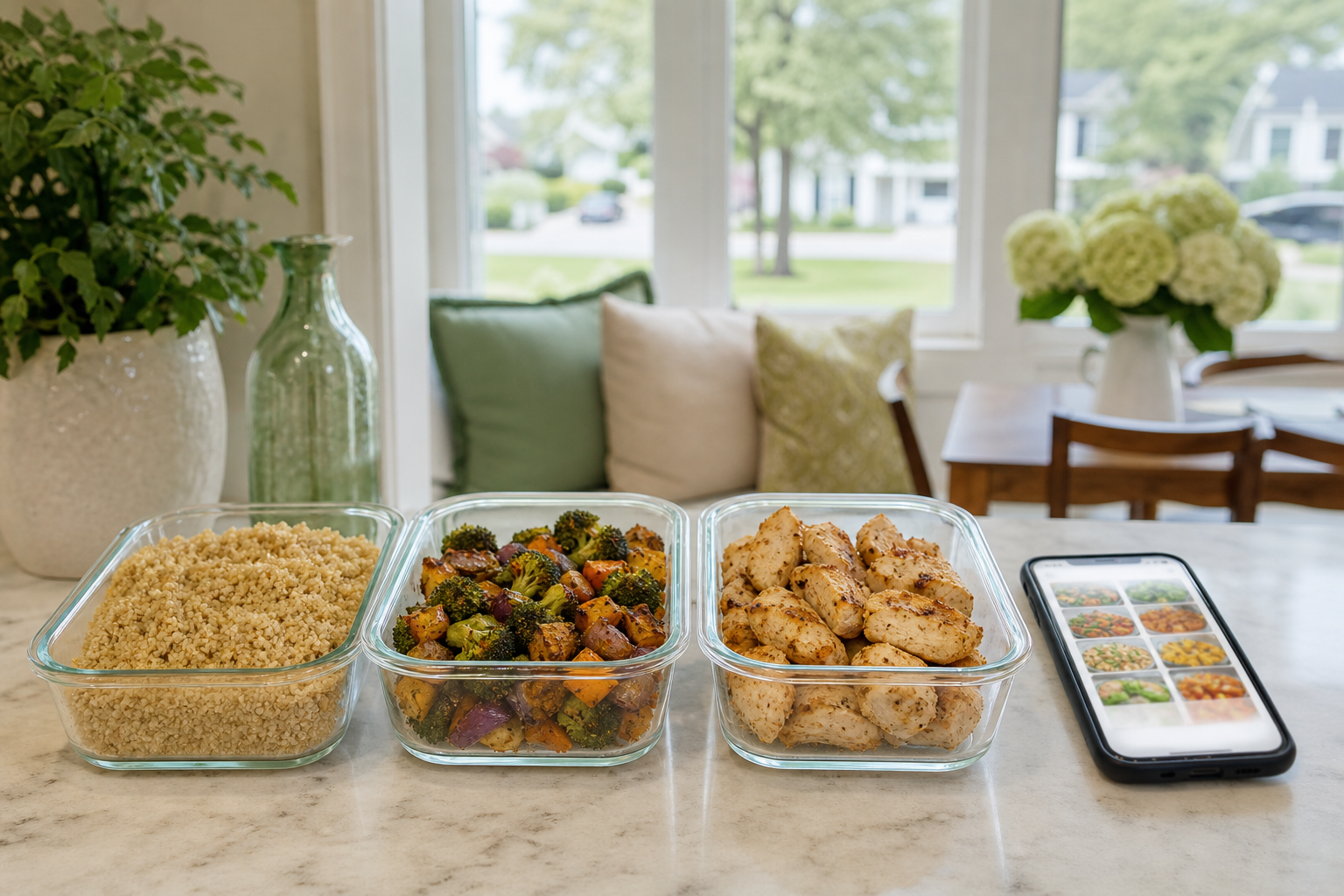
Meal prep is three jobs — choosing what to cook, buying it, and cooking enough of it ahead — and most apps only do one or two of them well. We read the store listing, pricing page and privacy label for seven apps and used each free tier for a fortnight of real weeks, from planning on Sunday to the last container on Thursday. Mealime came first because it gets a beginner from nothing to a plan and a shopping list fastest; Paprika is the best home for recipes you already own, AnyList the best shared shopping list, and Workweek Lunch the one actually built for batch cooking. PlateLens gets one row for readers who log what they eat.
Mealime8.3/10
Best for: beginners who want a plan and a shopping list without building either
Mealime picks a handful of quick dinners for the week to suit your diet and dislikes, merges the ingredients into one shopping list, and walks you through each recipe step by step. For someone starting out, that removes most of the decisions that make meal prep collapse by Wednesday. It's built for cooking several nights a week rather than one big Sunday batch, and nutrition details and the wider recipe library are in Pro.
What works
- A week of meals and one combined grocery list on the free tier
- Filters for diets, allergies and disliked ingredients
- Clear step-by-step cooking mode
What doesn’t
- Designed for cooking most nights, not one batch session
- Nutrition information and much of the recipe library are Pro
Price: Free tier; Pro varies by plan/region Platforms: iOS, Android, Web Developer site
Paprika Recipe Manager8.2/10
Best for: cooks who already have recipes and want them in one place
Paprika has long been the recipe manager cooks recommend to each other: it keeps recipes you've found online without the life story attached, scales them, and turns them into a grocery list. In November 2026 it moved to Paprika 4, with a free Standard tier — unlimited recipes, sync and grocery lists on every device — and a Premium subscription that adds recipe scanning, social and clipboard import, and pantry barcode scanning. It has no recipes of its own; it organises what you bring.
What works
- Free Standard tier: unlimited recipes, sync and grocery lists on every device
- Premium is $14.99/yr, cheap for the category
- Scales recipes and builds the shopping list from them
What doesn’t
- Recipe scanning, social and clipboard import and pantry barcode scanning are Premium
- No recipes or plans of its own — it only organises what you bring
Price: Free Standard tier; Premium $14.99/yr Platforms: iOS, Android, Mac, Windows Developer site
AnyList7.7/10
Best for: households that shop together
AnyList is the best shared shopping list we know: two people can add to it from different phones, items sort themselves by aisle, and recipes can feed their ingredients straight into the list. Meal planning and web recipe import belong to the paid Complete tier, which is inexpensive by the standards of this list. The free version is a superb list; the planning is a modest add-on.
What works
- Shared lists that sync between household members
- Items sorted by aisle category
- Recipes feed ingredients straight into the list
What doesn’t
- The meal-plan calendar and web recipe import need Complete
- Not a recipe source — no plans or suggestions of its own
Price: Free tier; Complete $9.99/yr (household $14.99/yr) Platforms: iOS, Android, Mac, Web Developer site
Workweek Lunch7.4/10
Best for: people who want to batch-cook lunches for the working week
Workweek Lunch is the one app here written for meal prep as most people picture it: plans built around cooking a few recipes once and eating them through the week, with a shopping list and a prep-day order of work. If meal prep means a Sunday afternoon and five containers, this is the closest fit. It's a subscription after a free trial, so we judged it on its listing, plans and pricing rather than a fortnight of use.
What works
- Plans designed for batch cooking, not nightly cooking
- Prep-day instructions as well as recipes
- Shopping list built from the plan
What doesn’t
- No free tier — it's a subscription once the trial ends
- Eating the same lunch four or five days running is the method, and it can wear thin
Price: Subscription after a free trial; varies by plan/region Platforms: iOS, Android Developer site
Samsung Food7.1/10
Best for: people who save recipes from everywhere and want them in one free place
Samsung Food, formerly Whisk, saves recipes from the web, plans them across the week and builds a shopping list, free on any phone rather than only a Galaxy. The free version covers what most people need. The trade is that it's a Samsung product with Samsung ambitions: Food+ upsells, appliance tie-ins and a community feed sit alongside the planner.
What works
- Free recipe saving, meal planning and shopping lists
- Works on iPhone, Android and the web
- Imports recipes from most websites
What doesn’t
- Food+ upsells and Samsung appliance features crowd the planner
- Needs an account, and the community feed adds noise
Price: Free; Food+ varies by plan/region Platforms: iOS, Android, Web Developer site
Eat This Much6.8/10
Best for: people who want a plan generated to a calorie or macro target
Eat This Much generates meals to hit a calorie and macro target from your preferences, which is handy if you have numbers to hit and no wish to work them out by hand. The free version plans one day at a time; weekly plans and the grocery list — the parts meal prep actually needs — are Premium. Generated plans can be odd, so expect to swap a few meals.
What works
- Plans built to a calorie and macro target
- Respects diets and disliked foods
- Easy to regenerate a meal you don't like
What doesn’t
- Weekly planning and grocery lists are Premium
- Generated combinations can be repetitive or strange
Price: Free tier; Premium varies by plan/region Platforms: iOS, Android, Web Developer site
PlateLens6.5/10
Best for: people who meal prep and also log what they eat
PlateLens is a calorie counter, and it's here for one step of meal prep: knowing what a portion of Sunday's batch is worth when you eat it on Wednesday. Typed, voice and barcode logging are free and unlimited, so a prepped container takes a line of text to log. It's a counter first, so pair it with one of the planners above for the week's menu and the shopping list; our calorie-tracker ranking covers it in full.
What works
- Typed, voice and barcode logging are free and unlimited
- Logs a prepped portion in a line of text
- Export keeps structure; no account lock-in
What doesn’t
- A counter first — use a planner above for menus and shopping
- Free photo logging is capped at three scans a day; Premium is $34.99/yr
Price: Free tier; Premium $34.99/yr Platforms: iOS, Android, Web Developer site
The short version
New to meal prep? Start with Mealime's free plan and its shopping list. If you already have recipes you love, Paprika's free Standard tier is the better long-term home, and Premium is cheap if you want scanning and imports. Households that shop together should add AnyList. Choose Workweek Lunch if you want to batch-cook lunches properly and will pay for the plans, and Eat This Much only if hitting a calorie or macro target is the point. If you log your food, PlateLens handles that side.
Questions we get
How long do meal-prepped meals keep in the fridge?
Most cooked dishes keep three to four days in a fridge at 40°F (4°C) or below, which is why many people prep twice a week or freeze the later portions. Cool food quickly, refrigerate it within two hours of cooking, and reheat leftovers until they're steaming hot all the way through.
Do I need a paid app to meal prep?
No. Mealime's free tier and Samsung Food both plan meals and build shopping lists without charge, and Paprika's free Standard tier keeps unlimited recipes and grocery lists. Pay when a specific feature — prep-day plans, a shared household list, recipe scanning — saves you real time.
What makes a balanced meal-prep container?
A simple pattern works for most people: a palm-sized portion of protein, about half the container in vegetables, and a portion of whole grains or potatoes, plus a sauce or seasoning you actually like. Changing the vegetables and sauce through the week makes the same base much easier to keep eating.
Is a subscription meal-prep plan worth it?
It can be if planning, not cooking, is where you get stuck, because a plan you follow beats a better one you don't. Use the free trial on a real week, put the renewal date in your calendar, and cancel if you're not cooking from it.
Can a meal planner hit my calorie or protein target?
Eat This Much is built to do exactly that, and some of the others show nutrition per serving. Treat any app's figures as estimates, and if you're managing a medical condition, plan with a registered dietitian.
Scores follow the Canyon rubric. Prices were checked on the date above; app pricing changes often. Written by Karen Doyle.